NEW Universal app for Mac, iPad & iPhone

Your Markdown,
Beautifully Crafted

The elegant markdown viewer and editor designed for Apple devices. Transform folders into organized projects, view stunningly rendered documents, and edit with intuitive simplicity.

UniversalMac, iPad, iPhone
FreeBasic Version
100%Private
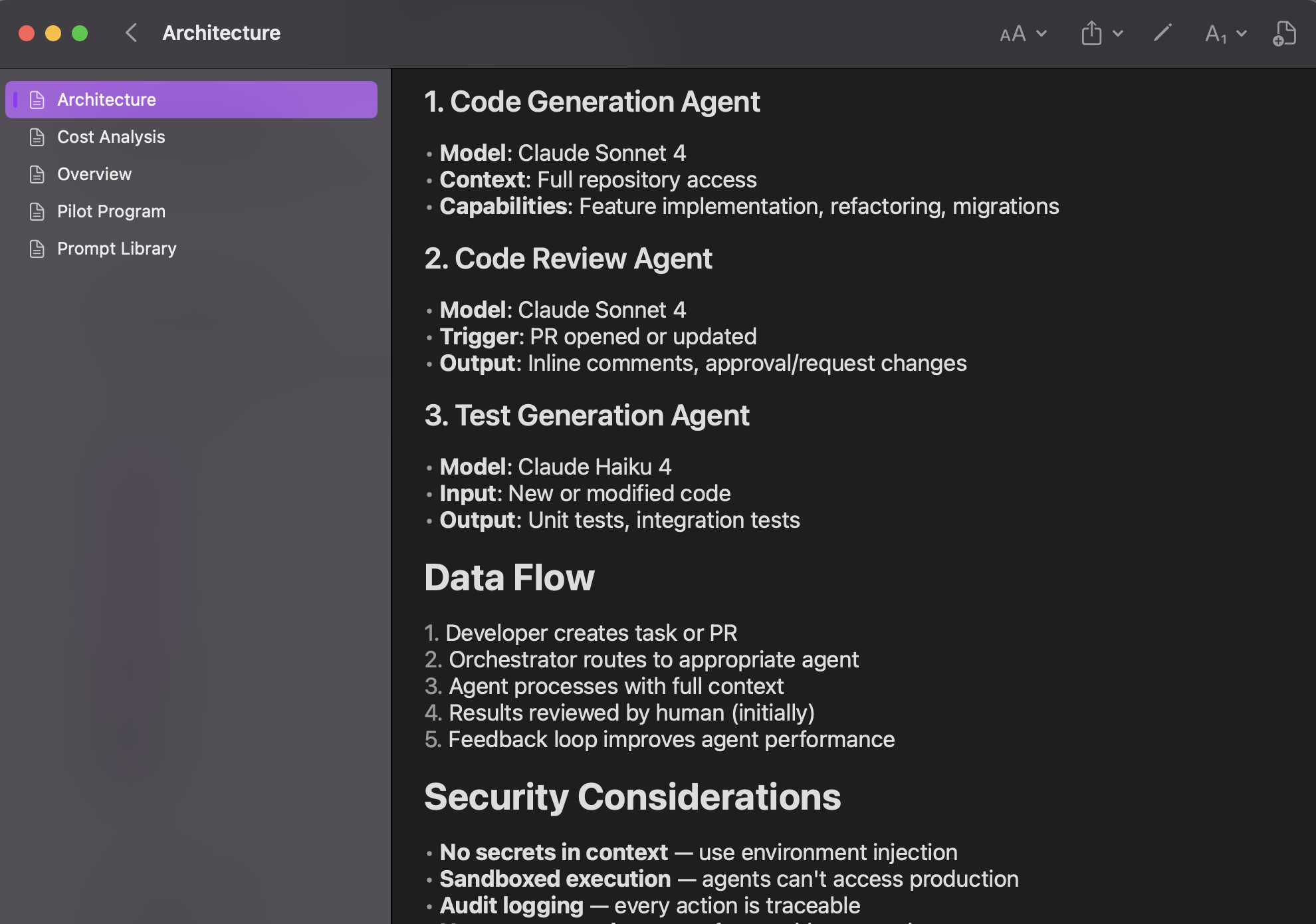
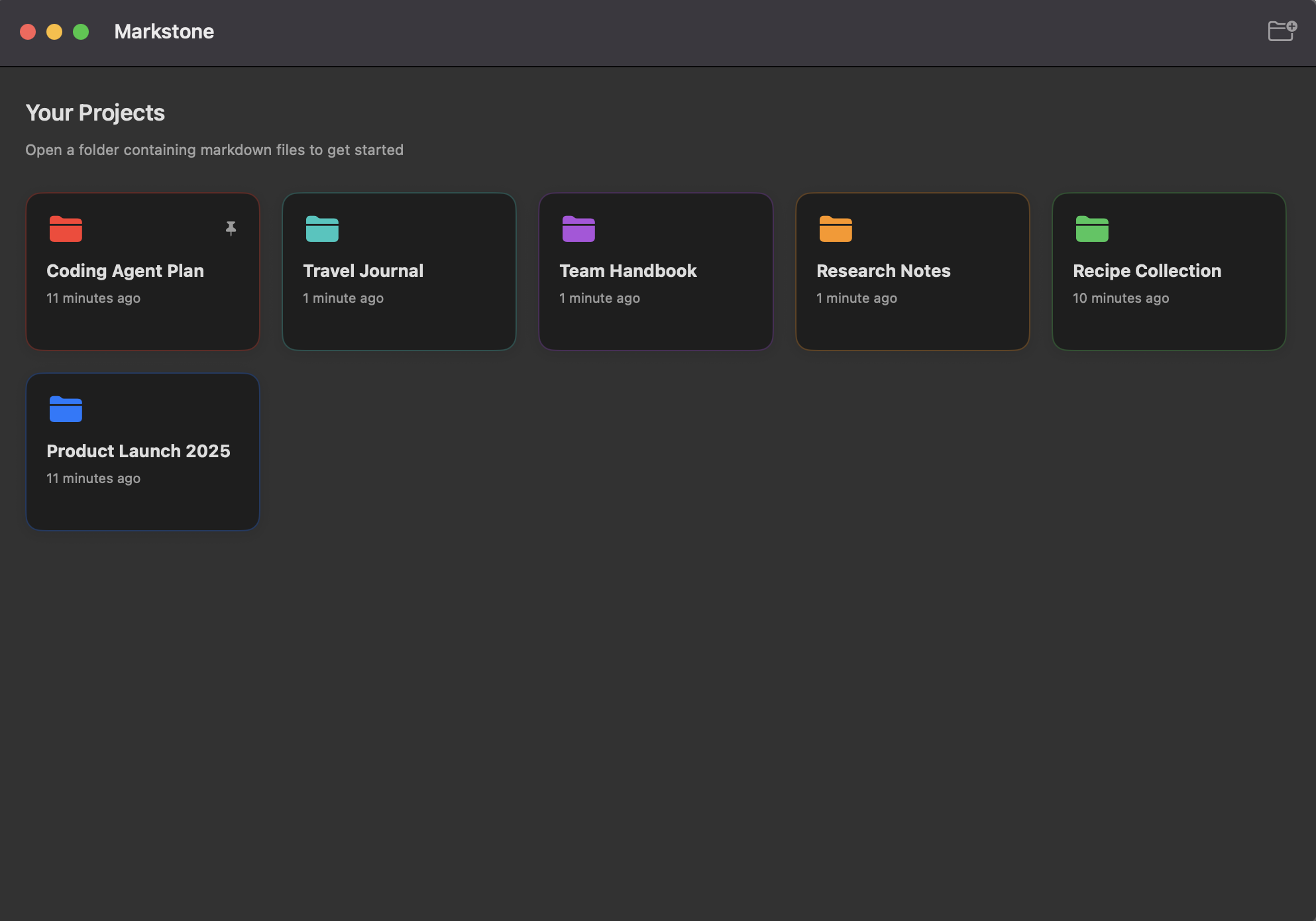
Markstone App
🍎 Universal app for Apple devices
🔒 Your files never leave your device
✨ Native SwiftUI experience
⚡ Powerful Features

Everything you need for markdown

Powerful capabilities wrapped in an elegant, native SwiftUI experience.

👁️

Stunning Rendering

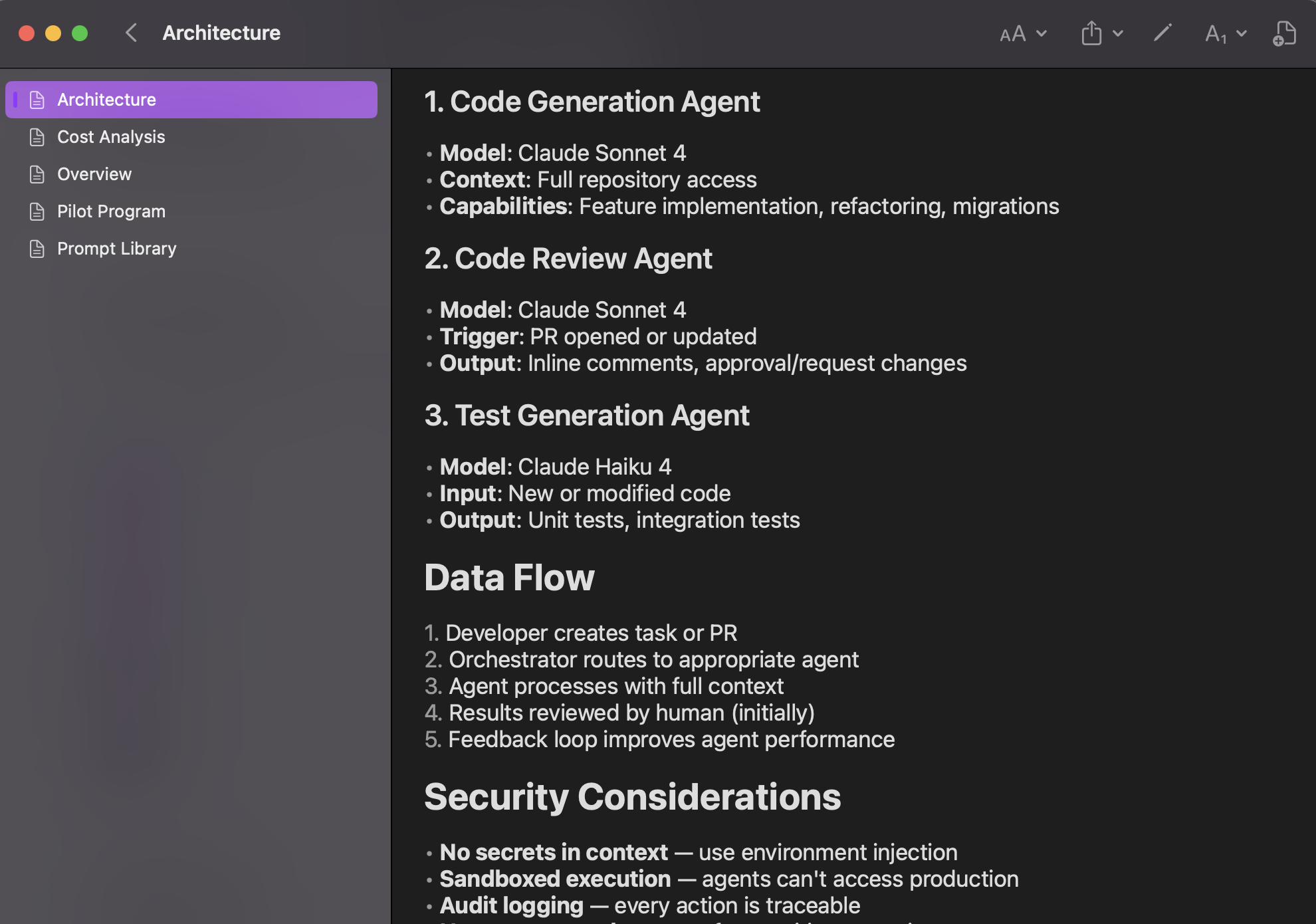
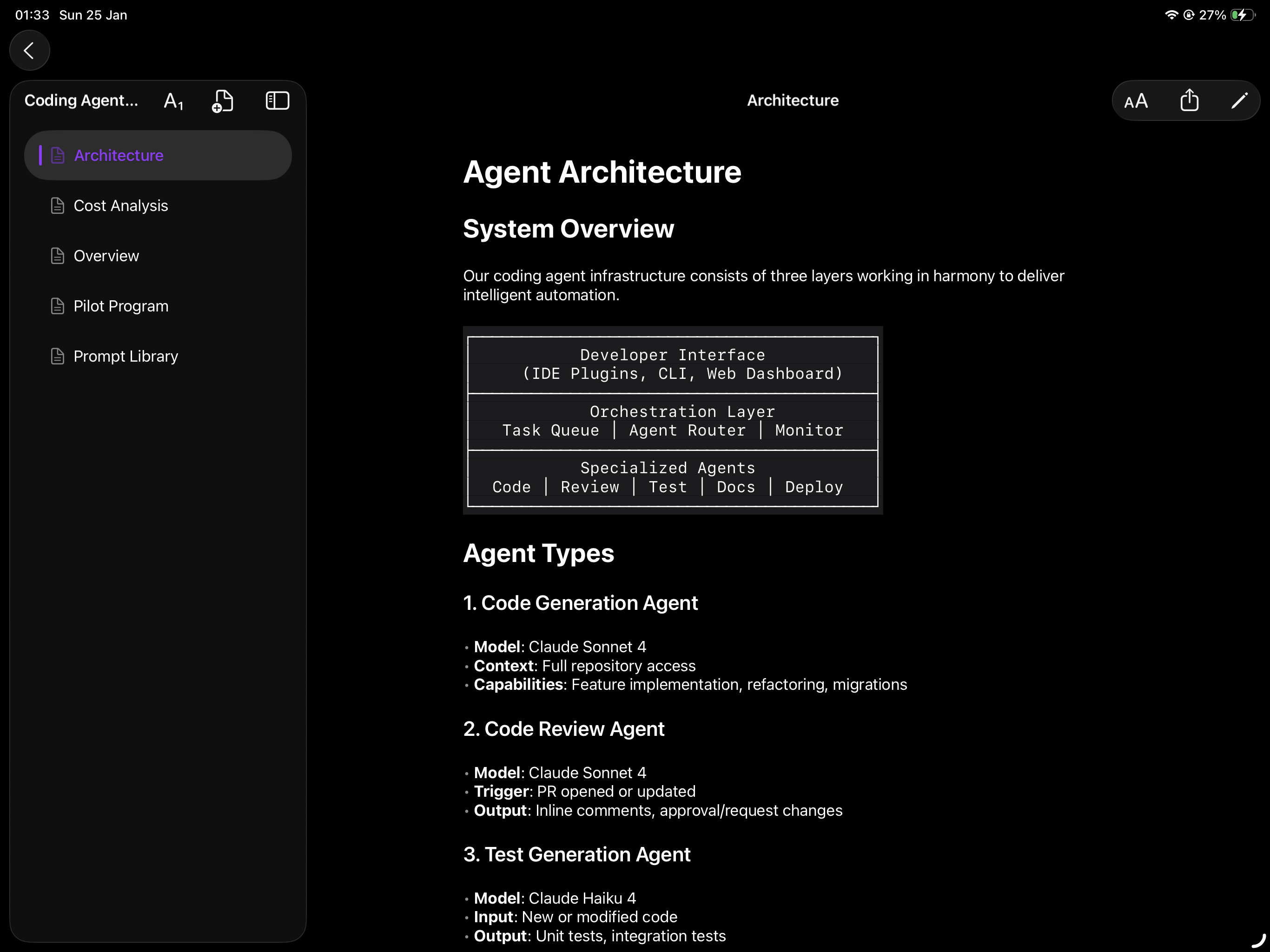
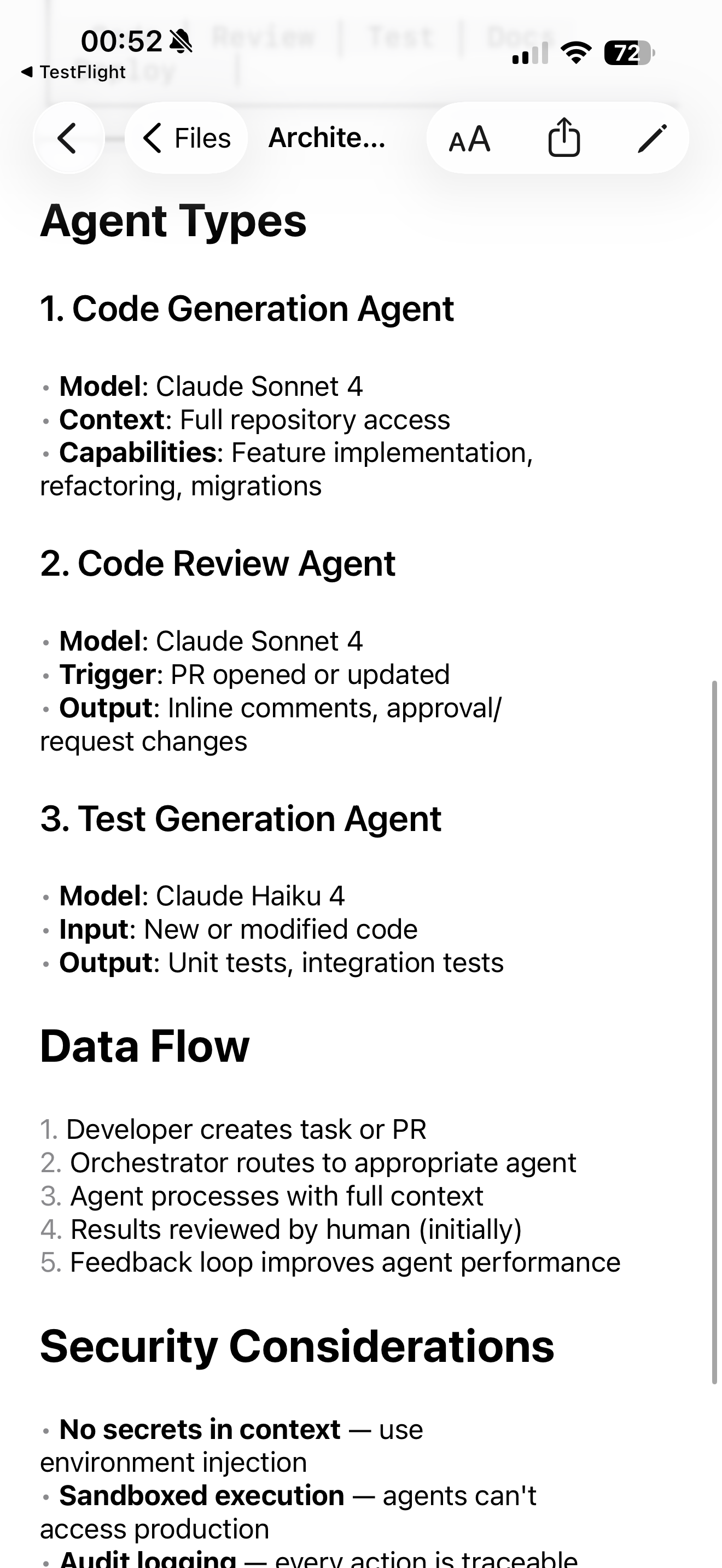
Watch your markdown transform into gorgeously formatted documents with perfect typography.

📁

Project Organization

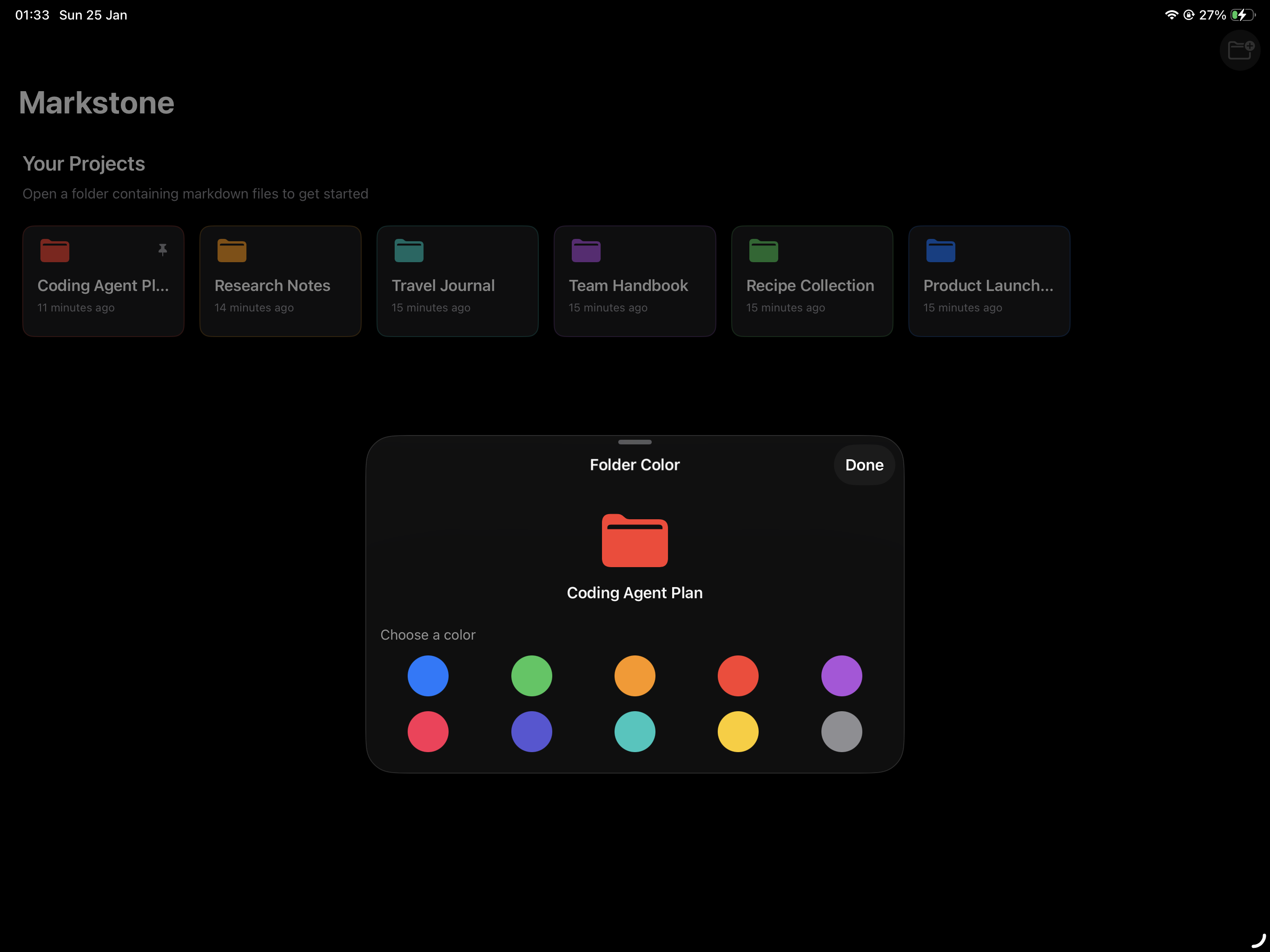
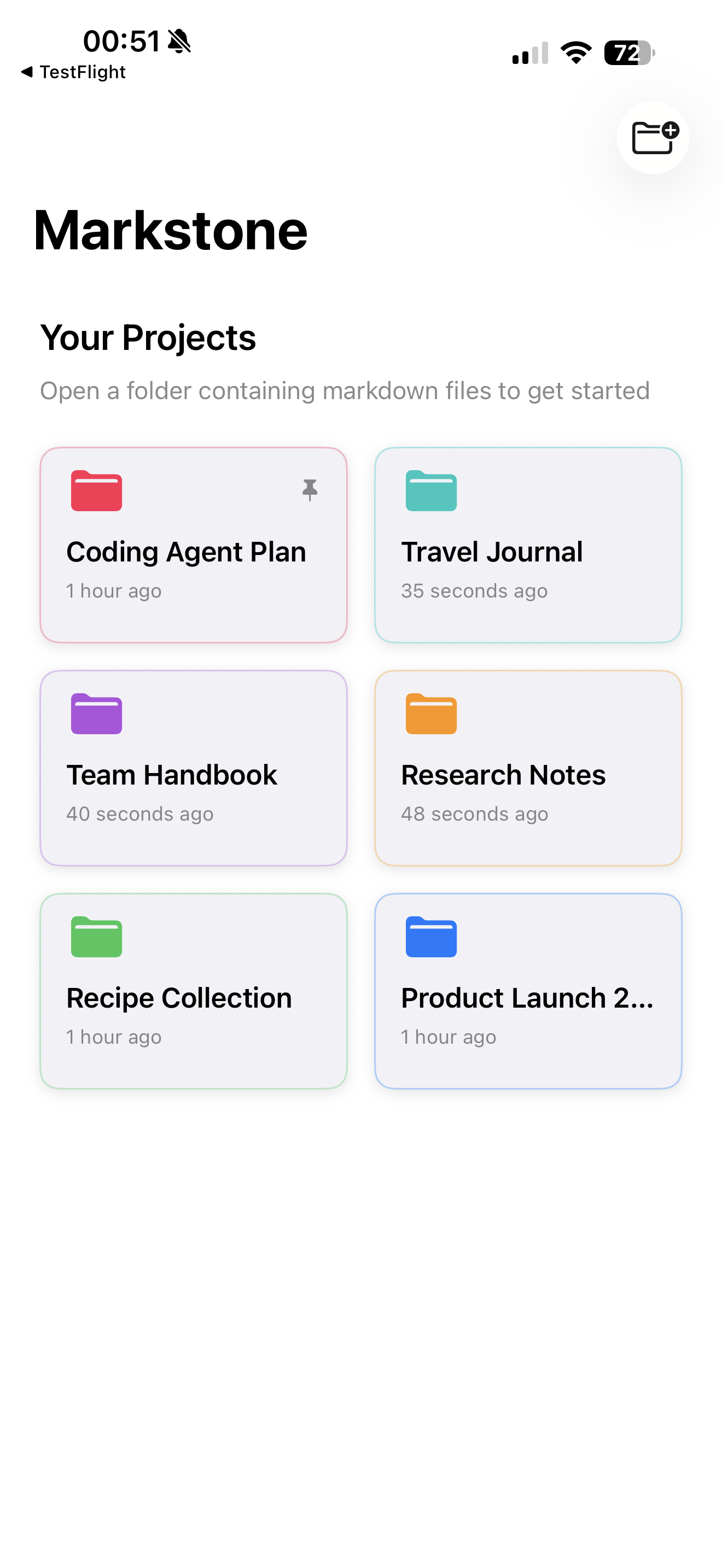
Open any folder as a project. Pin favorites, assign colors for instant recognition.

✏️

Intuitive Editing

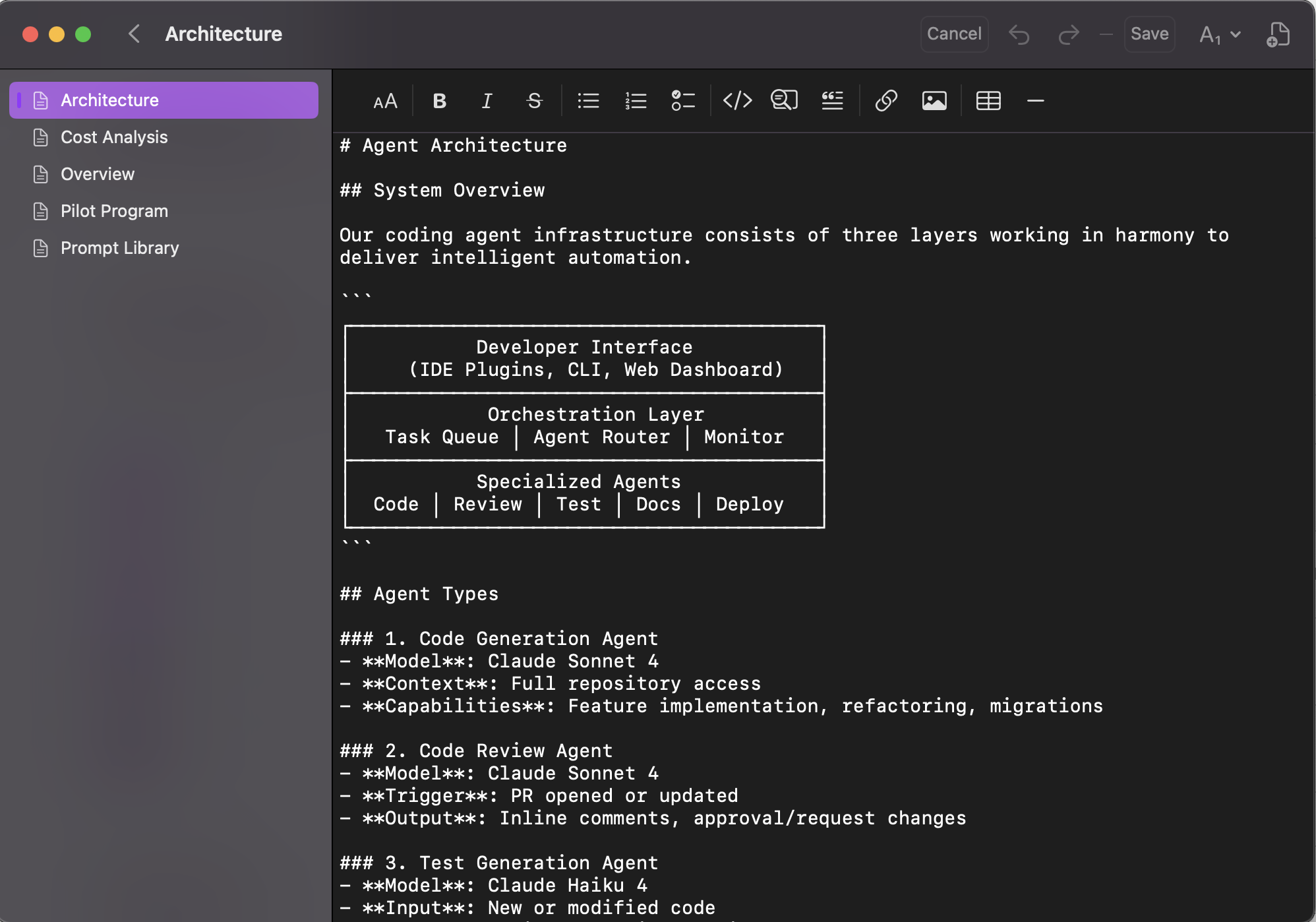
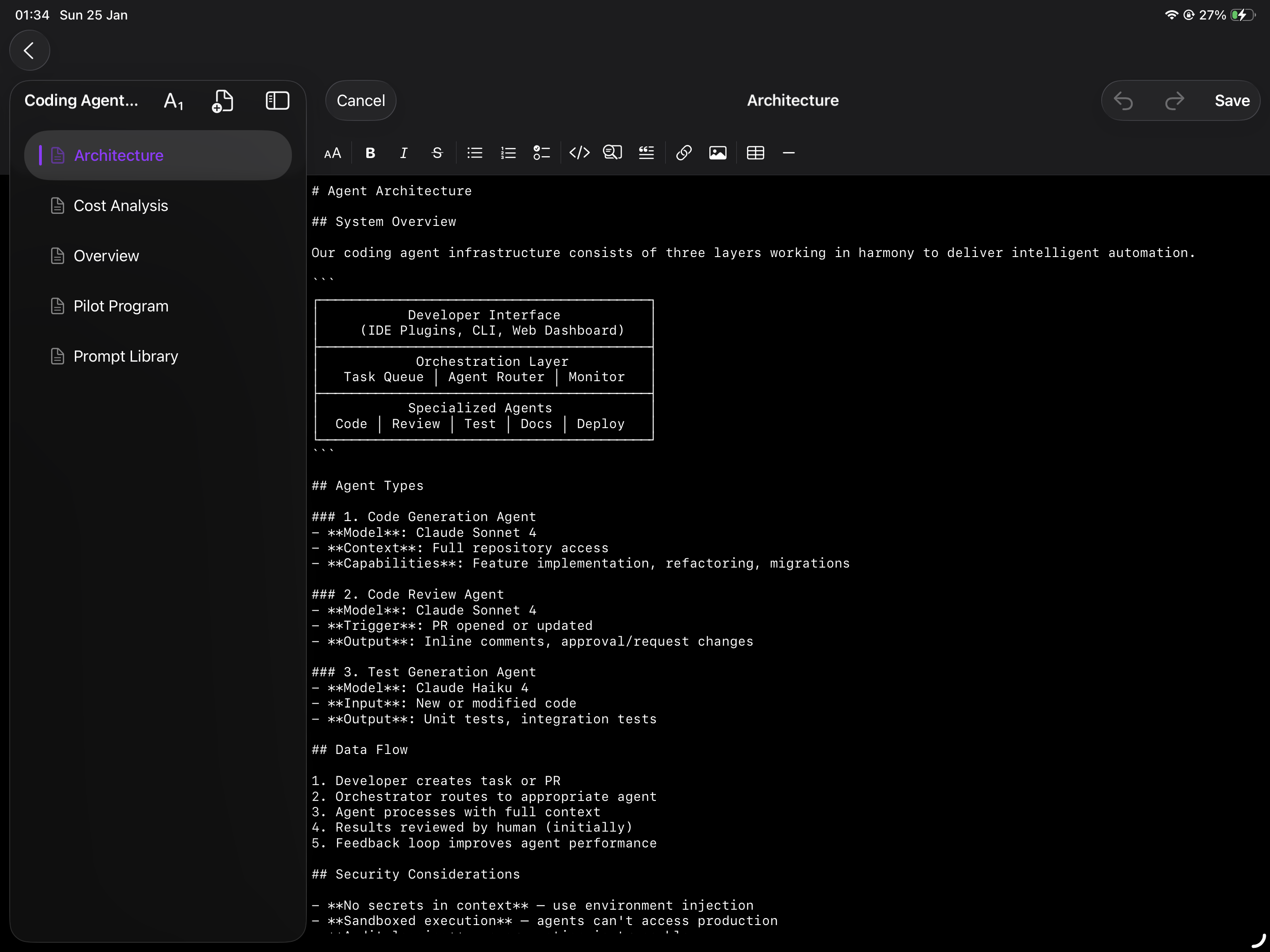
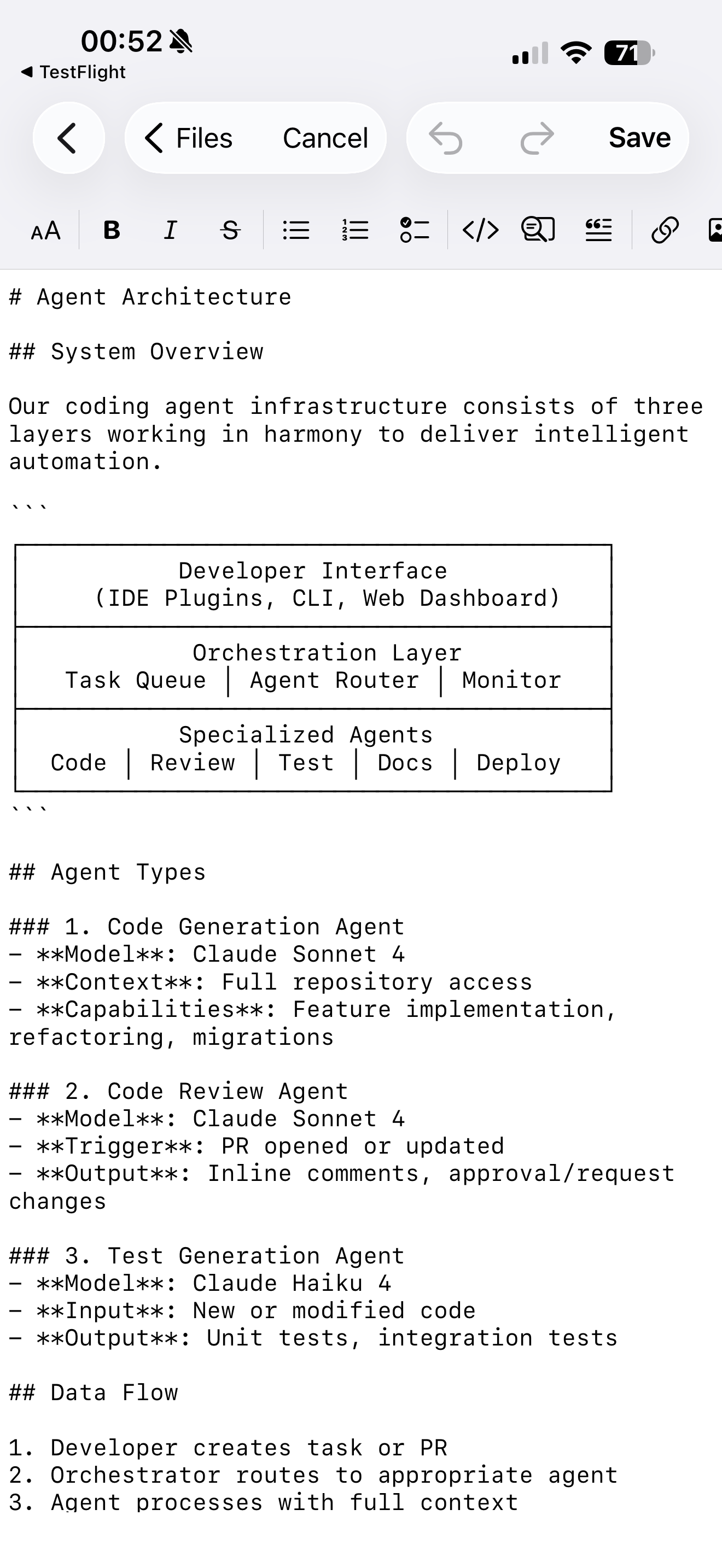
Switch to edit mode instantly. Format with the intuitive toolbar at your fingertips.

📱

Universal App

One purchase for iPhone, iPad, and Mac. Perfectly optimized for each platform.

🌙

Beautiful Dark Mode

Automatic light and dark mode that adapts to your system preferences.

🔒

Privacy by Design

Your files stay on your device. No cloud uploads, no accounts, no tracking.

📱 Native Experience

Beautiful on every device

Perfectly optimized for Mac, iPad, and iPhone with native SwiftUI.

💡 Perfect for AI Development

Built for Claude Code & Modern Development

When working with Claude Code or other AI coding assistants, they generate detailed plans, architecture docs, and analysis files in markdown. Markstone makes them instantly readable and shareable with your team.

  • Beautiful rendering of AI-generated plans and documentation
  • Organize projects by client, feature, or sprint with colors
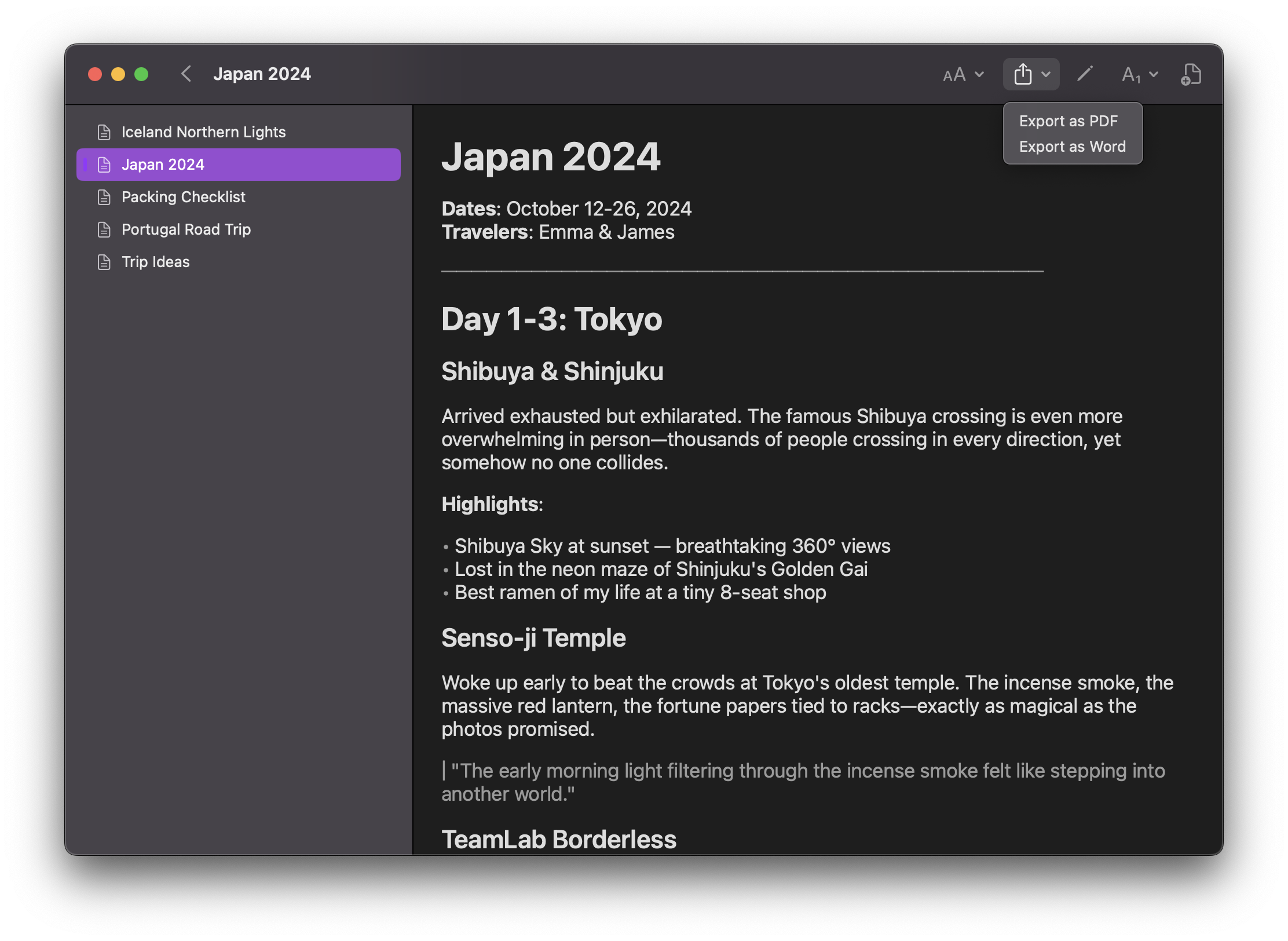
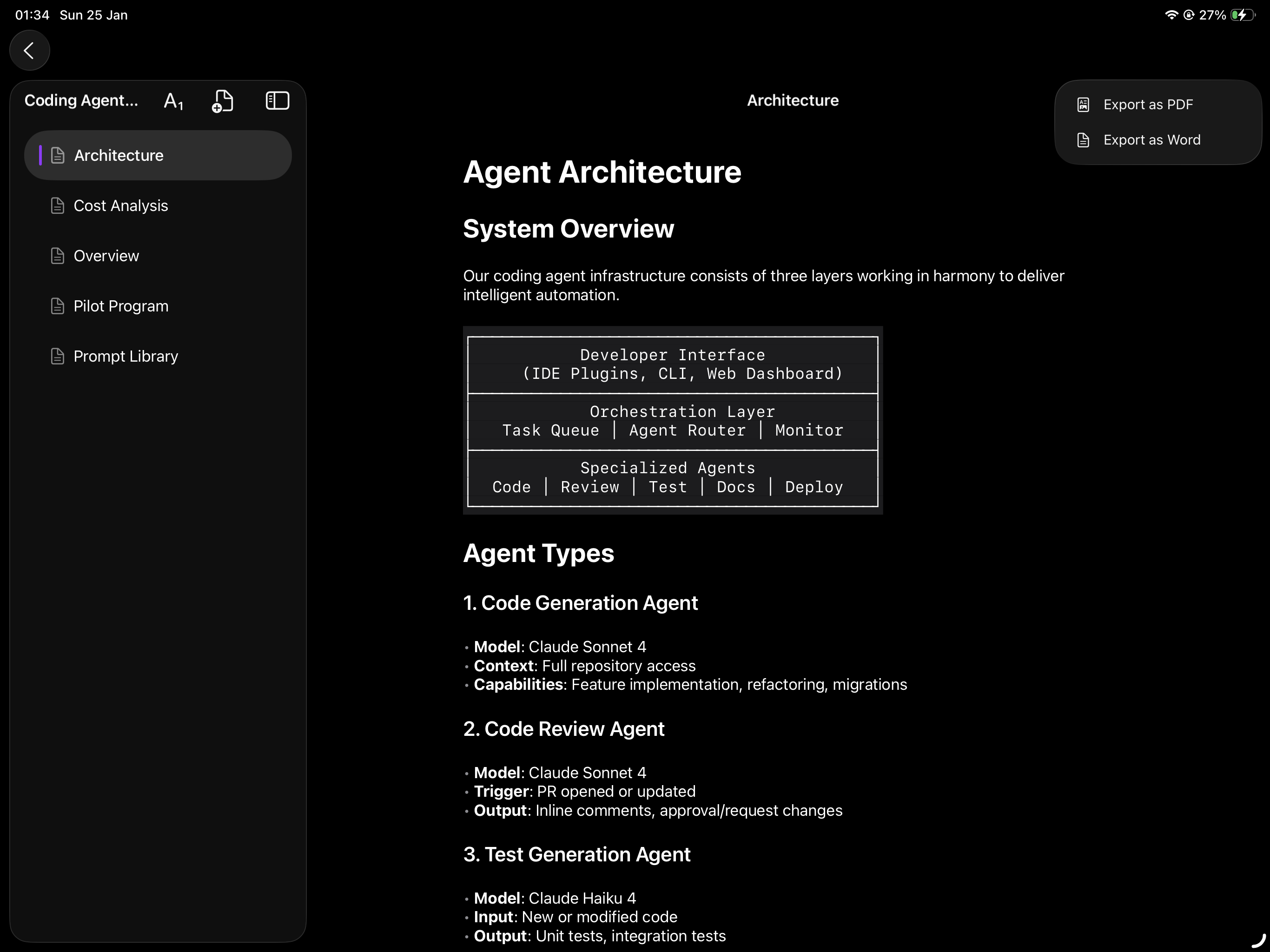
  • Share with your team — they see formatted docs, not raw markdown
  • Review anywhere — on phone, tablet, or desktop seamlessly
coding-agent-plan.md
# 📋 Coding Agent Plan

## Overview
Transform development workflow by integrating
AI agents as first-class team members.

## Architecture
┌─────────────────────────────┐
│   Developer Interface       │
├─────────────────────────────┤
│   Orchestration Layer       │
├─────────────────────────────┤
│   Specialized Agents        │
└─────────────────────────────┘

## Progress
- [x] Phase 1: Infrastructure ✓
- [x] Phase 2: Code Review ✓
- [ ] Phase 3: Test Generation
⭐ Customer Reviews

Loved by developers & writers

★★★★★

"Finally a markdown app that works with my existing folders! I use it daily to review Claude Code's output. The rendering is gorgeous and sharing with my team is seamless."

SK
Sarah K.
Senior Developer
★★★★★

"The pin and color-coding feature is genius. I organize all my project documentation by client and can instantly find what I need. Simple, fast, beautiful."

MJ
Marcus J.
Technical Writer
★★★★★

"Replaced three different apps with Markstone. It respects how I organize my files, looks stunning on my iPad, and syncs perfectly. Best markdown app I've used."

EP
Emma P.
Product Manager
💰 Simple Pricing

Start free, upgrade when ready

Prices shown in EUR. Actual prices may vary by region.

Free

€0

Perfect for getting started

  • ✓ Up to 3 projects
  • ✓ Beautiful rendering
  • ✓ Pin & color folders
  • ✓ Dark mode
  • ✗ Editing features
Download Free

Lifetime

€49.99

Pay once, own forever

  • ✓ Everything in Pro
  • Lifetime access
  • ✓ All future updates
  • ✓ No recurring fees
  • ✓ Support indie dev
Get Lifetime

Ready to transform your markdown?

Download Markstone free today. Upgrade to Pro or Lifetime whenever you're ready.

Download on the App Store Download on the Mac App Store